

Quick Summary
To print fun activities at home, download the PDF, check every page on screen, set the paper size to US Letter or A4, choose 100% or Actual Size scaling, and print one test page before the full set. Printing takes about ten minutes once you know the steps.
- Set scaling to 100% or Actual Size so borders and cut lines stay true.
- Use Fit to Page only if pages look cropped in the preview.
- Print one test page to check legibility and printable margins first.
- Use cardstock for game cards and bingo boards that will be handled often.
- Print only the pages you need, and print answer keys separately.
Table of Contents
- How to Print Fun Activities Step by Step
- Free Printable Activity Sheets PDF You Can Download Today
- How to Print Fun Activities PDF Files Without Wasting Paper
- Printable Activities for 5 Year Olds Who Need Hands-On Fun
- Printable Activities for Adults at Game Nights and Holiday Gatherings
- Matching Printable Activities to Age, Time, and Screen-Free Plans
- Start Your Next Game Night with RNCFunDigitals Printables
- Frequently Asked Questions
How to Print Fun Activities Step by Step
Printing fun activities at home takes about ten minutes once you know the steps. Start by downloading the PDF, opening it in a viewer that supports printing at actual size, and choosing your paper.
Last Updated: November 16, 2026
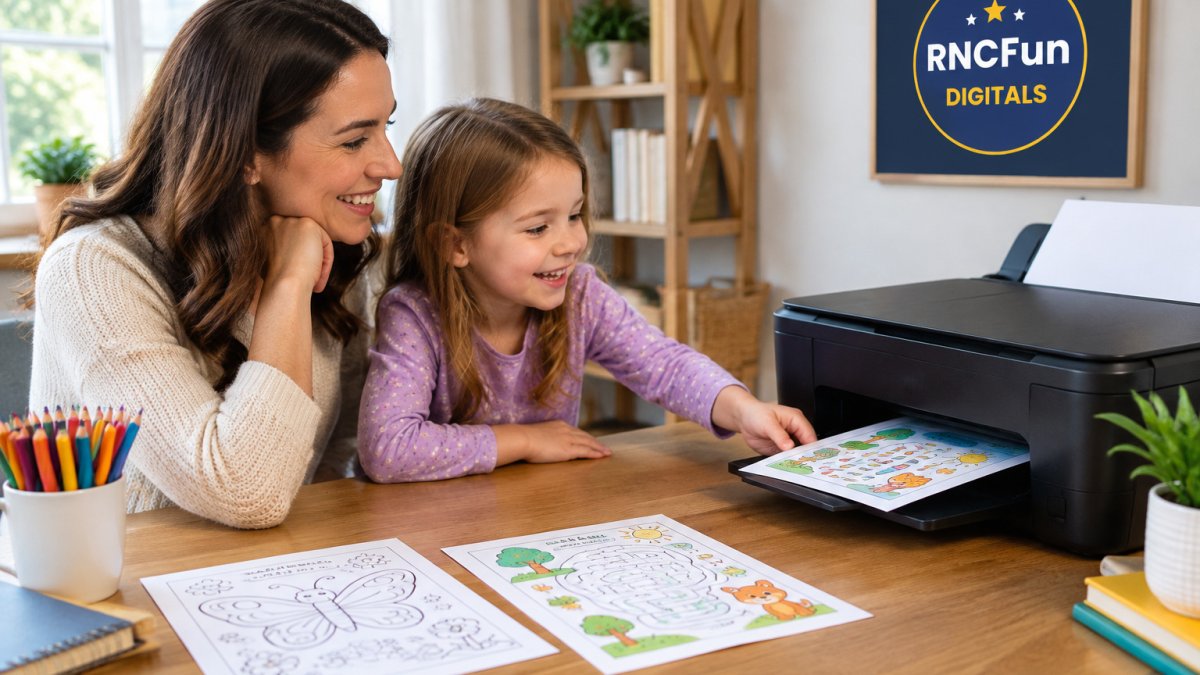
The steps below work for most printable activities, from coloring pages to full game bundles. Follow them in order the first time, and the process gets faster after that.
- Download the PDF from your RNCFunDigitals order and save it to a folder you can find later. Give the file a descriptive name so you can search for it next season.
- Open the file in a PDF viewer and check the page count against the product description. Scroll through every page once on screen before printing; this catches upside-down scans, missing answer keys, and pages that are mostly white space.
- Open the print dialog and set the page size to US Letter (8.5 x 11 inches). If your printer is loaded with A4, choose A4 instead and let the viewer scale the page rather than forcing Letter onto A4 paper.
- Set scaling to 100% or "Actual Size." Choose "Fit to Page" only if pages look cropped in preview. Actual Size keeps borders, game-card dimensions, and cut lines true to the designer's intent.
- Select the pages you need and print one test page before printing the full set. Check that text is legible, colors are not muddy, and nothing important falls inside the printer's unprintable margin.
Choosing the Right Paper and Printer Settings
Plain copy paper works for coloring pages and word searches. Cardstock works better for game cards, bingo boards and anything children handle often. A heavier sheet holds up to repeated use and resists curling. For bingo cards and charades cards that will be shuffled, a 65 lb cardstock is a common choice; for coloring pages that will be colored with markers, a slightly heavier paper reduces bleed-through.
Choose color or black-and-white printing based on the activity. Full-color printing suits coloring books and holiday pages. Grayscale is enough for word searches, trivia sheets and scavenger hunts. If you are printing a large batch, draft mode uses less ink and is usually fine for text-heavy pages; switch back to normal or high quality for anything with fine line art or color gradients.
Watch out: Printing at "Fit to Page" shrinks borders and can cut off game instructions. Always check the preview before you press print.
Troubleshooting Common Print Problems
Most print problems fall into a few predictable categories, and each has a quick fix.
- Pages are cut off at the edges. The printer's unprintable margin is eating the design. Switch scaling from Actual Size to Fit to Page, or choose a "borderless" option if your printer supports it.
- The PDF opens but the print button is grayed out. The file may be password-protected or opened in a browser preview that blocks printing. Download the file to your computer and open it in a dedicated PDF viewer instead.
- Colors look washed out or too dark. Check whether the printer is set to plain paper versus photo paper, and whether grayscale is turned on by accident. A test page on the intended paper type shows the real result.
- Double-sided pages come out upside down. The flip setting on your printer controls whether the second side flips on the long edge or the short edge. For portrait documents, long-edge binding is usually correct; for landscape game boards, short-edge binding often is.
- The file will not open at all. Confirm the download finished and the file extension is .pdf. A partial download is the most common cause of a "corrupt file" message.
If a page still will not print correctly, print it to PDF first using your viewer's "Print to PDF" or "Save as PDF" option, then print that new file. This flattens the document and resolves most viewer-specific quirks.
The table below summarises the core print steps and the settings each one needs.
| Step | What to do | Note |
|---|---|---|
| 1. Download | Save the PDF from your order to a findable folder | Use a descriptive file name |
| 2. Check | Scroll every page on screen before printing | Catches upside-down scans and missing keys |
| 3. Page size | Set US Letter (8.5 x 11 in) or A4 if loaded | Let the viewer scale, do not force size |
| 4. Scaling | Choose 100% or Actual Size | Fit to Page only if pages look cropped |
| 5. Test | Print one test page first | Check legibility and printable margins |
Free Printable Activity Sheets PDF You Can Download Today
Free printable activity sheets PDF files give families an easy way to try new games before committing to a full set. Look for sheets that list their page count, paper size and whether an answer key is included.
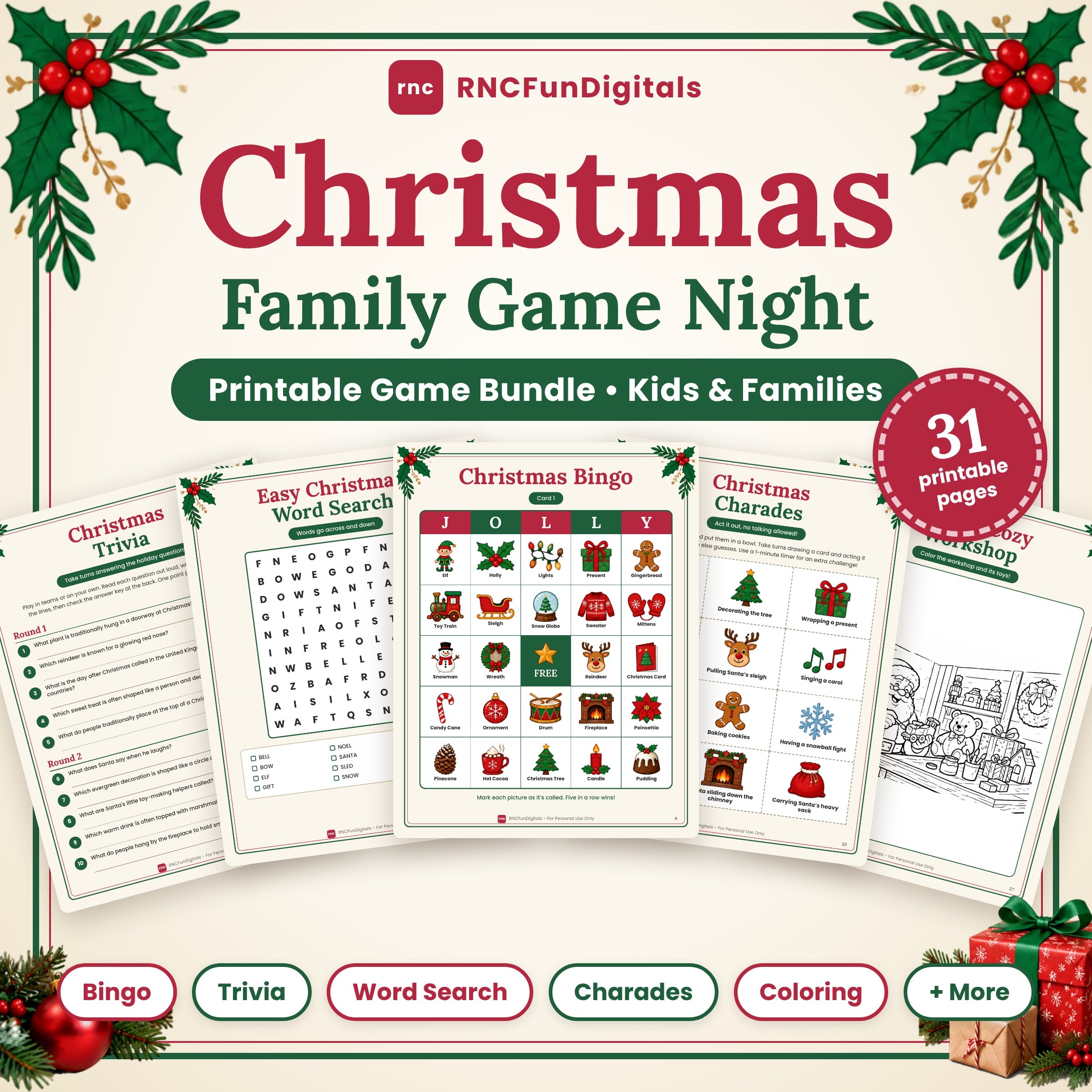
RNCFunDigitals offers printable bundles that cover several activity types in one download. The Christmas Family Game Night Bundle includes 31 pages of Christmas games and activities, with answer keys included.
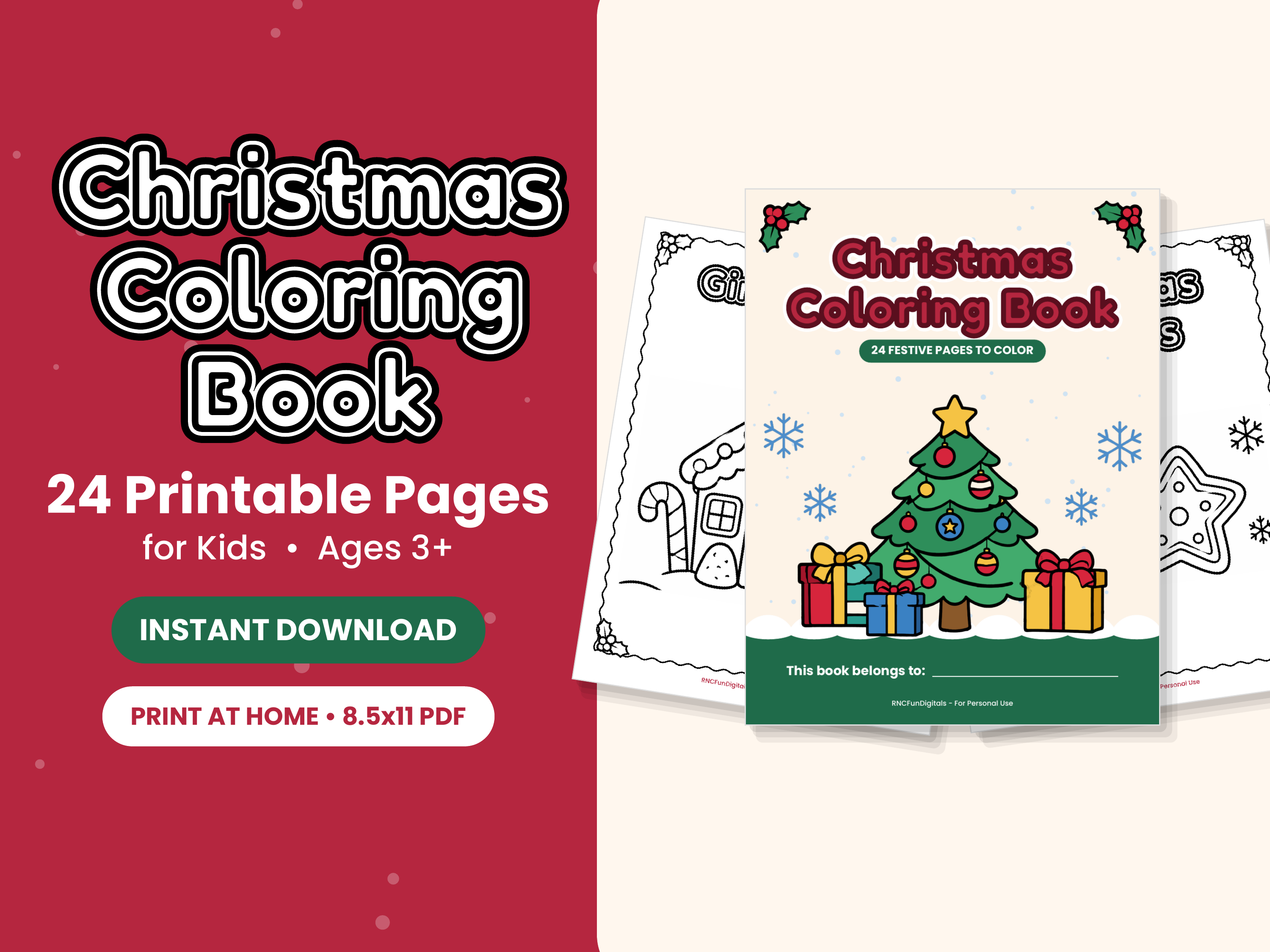
For a larger collection of holiday pages, the Christmas Coloring Pages for Kids set includes 24 printable pages in US Letter PDF format. You can download the Christmas coloring pages and print them as needed.
How to Print Fun Activities PDF Files Without Wasting Paper
Printing an entire PDF when you only need a few pages wastes paper and ink. Most PDF viewers let you select a page range in the print dialog, so you can print only the pages your activity requires.
Print the answer key separately or view it on screen. That way players do not see the answers while they play, and you save paper on pages you will not hand out.
For double-sided printing, check whether your printer supports it and whether the activity works on both sides. Many coloring pages look fine printed on one side only, which keeps the pages easy to separate.
Printable Activities for 5 Year Olds Who Need Hands-On Fun
Five-year-olds do best with activities that take a few minutes and involve simple actions. Coloring, picture matching and short scavenger hunts keep attention without frustration.
Pick large-print pages with bold outlines. Pre-read the prompts if your child is still learning letters, and pair a reader with a non-reader so both can take part.
Avoid long word searches or multi-step trivia for this age. Save those for older children who can stay focused for longer periods.
Printable Activities for Adults at Game Nights and Holiday Gatherings
Adults enjoy printable games too. Trivia, charades cards and Pass the Pie work well for mixed-age groups, and they keep everyone talking instead of looking at phones.
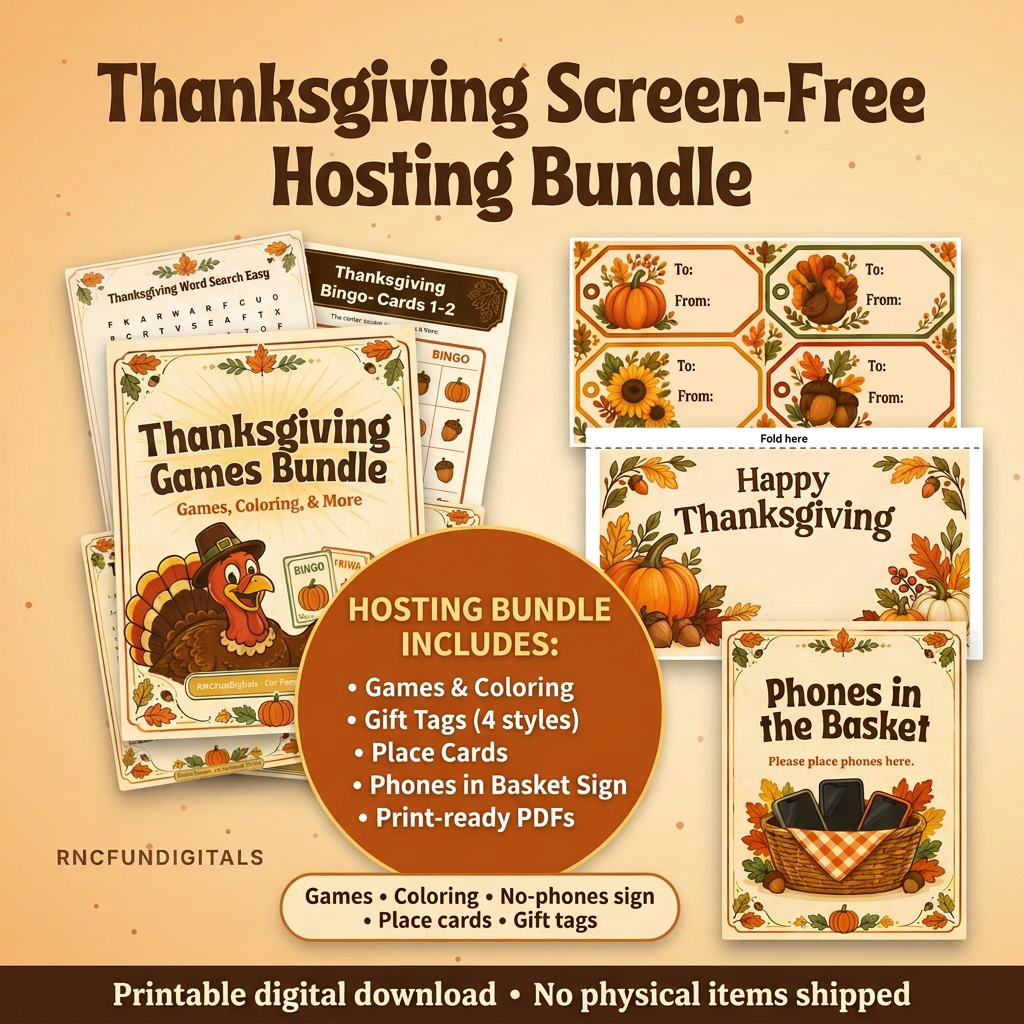
The Thanksgiving Bundle includes table talk cards, gratitude scavenger hunts for kids and grown-ups, and 25 trivia questions, with answer keys included for trivia. Hand each guest a card or place one at each seat to start conversation.
For larger groups, print extra bingo cards. The Thanksgiving games PDF includes 12 unique bingo cards, so up to 12 players can each use a different one.
Matching Printable Activities to Age, Time, and Screen-Free Plans
Choosing the right activity depends on three things: the ages in the room, how much time you have, and whether you want to limit screens for the evening. A printable that delights a seven-year-old can frustrate a four-year-old and bore a twelve-year-old, so match the activity to the group before you print.
Match the Activity to the Age Band
- Ages 3 to 5: Large-print coloring pages, picture matching, dot-to-dot with big numbers, and simple scavenger hunts with picture clues. Keep each page to a few minutes of focused work. Pre-read prompts aloud for children who are still learning letters, and pair a reader with a non-reader so both can take part.
- Ages 6 to 8: Word searches with short words, simple trivia with multiple-choice answers, charades cards with picture prompts, and coloring pages with more detail. These children can usually follow two-step instructions without help.
- Ages 9 to 12: Longer word searches, trivia with written answers, logic puzzles, and multi-step scavenger hunts. This age band often enjoys competing in teams, so print duplicate copies for each team.
- Teens and adults: Trivia, charades, Pass the Pie, and table-talk cards. Mixed-age groups work best when the trivia includes a mix of easy and hard questions so younger players can contribute.
Match the Activity to the Time You Have
- 10 to 15 minutes: One coloring page, a single word search, or a short round of charades. Good for waiting rooms, restaurant tables, and the gap before dinner.
- 30 to 45 minutes: A bingo round plus a trivia round, or a scavenger hunt with a defined list. This is the sweet spot for a rainy afternoon.
- 60 minutes or more: Combine three activity types, for example, bingo, trivia, and a scavenger hunt, and rotate groups between them. Mixing activity types keeps energy up across different ages and attention spans.
Build a Screen-Free Block
Plan a screen-free block by asking everyone to put their phones away for the evening. Set the timer, start the first game, and let the printables carry the evening. A few practical habits make the block run smoothly:
- Print and sort pages into folders or envelopes by activity before the event starts, so you are not hunting for the answer key mid-game.
- Keep a small bin of pencils, crayons, and a couple of clipboards near the activity table.
- Print answer keys separately or keep them on a phone you are not using for play, so players do not see the answers.
- Reuse pages by slipping them into a sheet protector and providing dry-erase markers; this works especially well for word searches and bingo boards.
Watch out: Printing a full bundle for a short session usually wastes paper. Print only the pages that match your time block, and save the rest for the next event.
Adapt Printables for Different Needs
Not every child reads at grade level or handles small print comfortably. A few adaptations widen the audience for almost any printable:
- Large-print and bold outlines: Enlarge a page to 110% or 120% in the print dialog when small print is hard to read.
- Sensory-friendly choices: Avoid pages with dense patterns or heavy color blocks if a child is easily overstimulated; simple line art on plain paper is usually calmer.
- Motor-skill support: Offer thicker crayons, pencil grips, or stamp markers for children still developing fine motor control.
- Learning support: For children who struggle with reading, read the prompts aloud or pair the activity with pictures. For children who need a challenge, add a time limit or ask them to create their own questions for the group.
Start Your Next Game Night with RNCFunDigitals Printables
A printed game night takes little preparation once the files are downloaded. Print the bundle you need, gather some pens and prizes, and invite everyone to a screen-free evening.
The Screen Free Fun "Phone in Basket" Sign helps set the tone at the start. You can download your Phone in Basket sign and place it by the door, then start the Christmas Family Game Night Bundle or the Thanksgiving Bundle once everyone is seated.
Frequently Asked Questions
What are some fun activities I can print?
Coloring pages, bingo cards, trivia sheets, word searches, word scrambles, and drawing challenges are common printable activities. RNCFunDigitals offers Christmas Coloring Pages for Kids with 24 printable pages, the Christmas Family Game Night Bundle with 31 pages of bingo, trivia, charades and more, and a Thanksgiving Coloring Book with 25 pages. Each file is a US Letter 8.5x11 PDF for personal use.
How do I print a fun activity from a PDF?
Open the PDF, choose Print, and select US Letter paper at 100% or Actual Size rather than Fit to Page so the layout stays accurate. Cardstock suits cards and game pieces, and plain paper works for word searches and worksheets. Cut cards along any dashed lines before playing.
What printable activities are suitable for 5-year-olds?
Five-year-olds do well with simple coloring pages, picture-based bingo, and easy word searches with large, clear images. Read prompts aloud and let them point or match rather than read on their own. Drawing challenges and a short scavenger hunt also keep them engaged. Pick activities with few steps, and print a few copies so they can repeat favorites.
Are printable activities good for adults too?
Yes. Trivia, charades prompts, Would You Rather questions, table talk cards and harder word searches work well for adults and teens. The Thanksgiving Bundle includes 25 trivia questions, 27 charades cards and 24 table talk cards, plus separate scavenger hunts for kids and grown-ups. Mixing individual puzzles with group games lets everyone at the gathering take part.
